Process automation for SMEs
Workflow automation for SMEs with n8n, Make & Power Automate.
As a workflow automation agency for SMEs, we standardise recurring steps and run them reliably – instead of copy-and-paste between tools, broken handoffs and the eternal question "Where's that file?". We build workflows with n8n, Make, Power Automate and Zapier – GDPR-compliant, documented and without vendor lock-in.
Looking specifically for process automation? We've put together a dedicated overview with typical workflows and starting questions.
- From 1 week to your first live automation
- n8n · Make · Power Automate · Zapier
- EU & GDPR, self-hostable
- Documented, no vendor lock-in
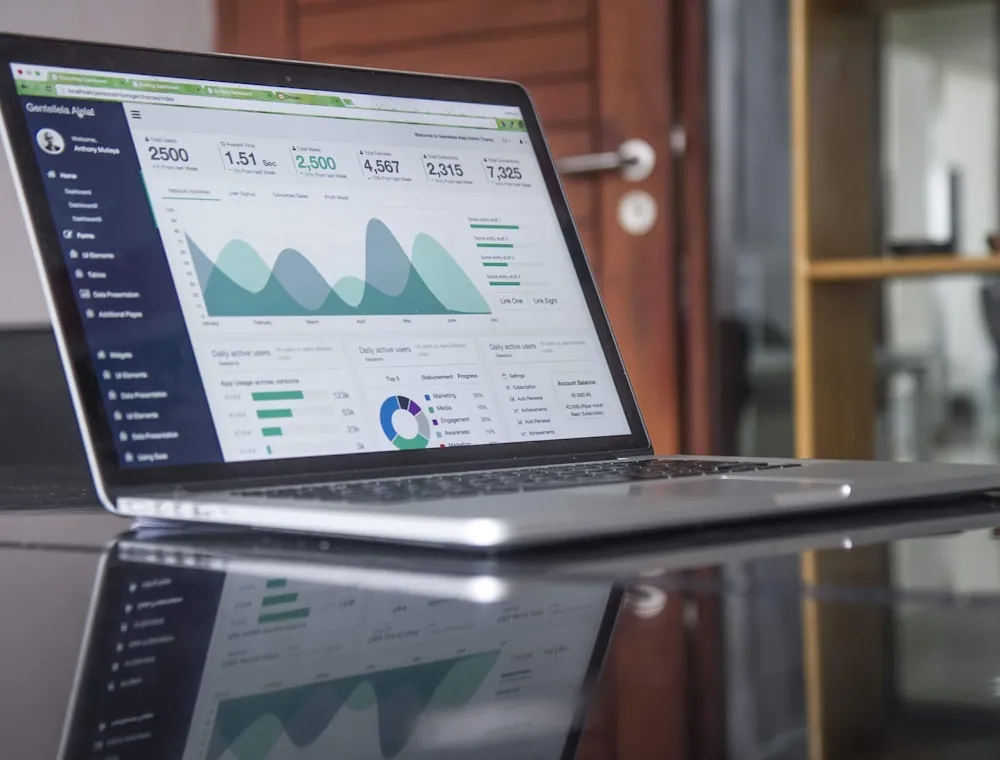
Why automation pays off
-
Save time & cut turnaround
Manual data entry, forwarding and status checks eat up valuable hours every day. Automated processes run in seconds instead of hours – with no waiting between departments.
- Push contact-form entries straight into the CRM
- Create a confirmation email and a project-tool task at once
- Distribute status updates without anyone having to ask
-
Reduce errors & raise quality
Every manual step is a source of error: typos, forgotten fields, wrong assignments. Automation enforces consistency through fixed rules and validation.
- Consistent naming and folder structure for documents
- Required fields and format validation before processing
- Automatic duplicate checks on data entry
-
Transparency & traceability
"Has the invoice gone out?" – "Did anyone reply to the customer?" With automated workflows, everyone always knows where a case stands and what happens next.
- Automatic status updates to everyone involved
- Complete logs for audit and error analysis
- Escalations on delays or failures
-
Scale without chaos
What works at 10 cases per week breaks down at 100. Automated processes scale with the business – the same flow works for 10 or 1,000 cases.
- Processes grow with you, without extra headcount
- Consistent quality as volume rises
- Free up capacity for strategic work
Which processes can be automated?
From simple notifications to workflows spanning several systems: almost every recurring process can be automated. A selection with concrete examples – each item links to the matching solution.
Lead Management
Automatically capture, enrich and hand leads from various sources to sales.Example: A web form becomes a qualified CRM record in seconds, with a notification to the right team.Lead Capture
Quotes & Invoices
Generate documents from templates, send them and track their status.Example: PDF quote from CRM data, automatic invoicing after the job, payment reminder included.Invoice Automation
Support & Tickets
Automatically categorise and assign requests and trigger escalations on SLA breaches.Example: An email becomes a helpdesk ticket, prioritised by keywords and assigned to the right team.Support Tickets (Teams)
Document Flows & Approvals
File documents automatically, collect approvals and manage versions.Example: SharePoint approval workflow with consistent naming, filing and a notification to approvers.SharePoint Workflows
Reporting & Monitoring
Merge data from various sources and send it regularly as a report.Example: A weekly KPI report by email, automatically compiled from CRM, sheets and your project tool.Status Reports
Marketing & Newsletter
Distribute content, trigger campaigns and move leads through funnel stages.Example: Schedule social posts automatically, trigger newsletters based on concrete customer actions.Social Media Automation
Onboarding & Offboarding
Systematically onboard new employees or customers – with checklists and automated steps.Example: Account creation across all systems, a welcome sequence, and a clean removal of all access on exit.Onboarding Workflows
Data Synchronisation
Keep data in sync across CRM, ERP, sheets and other tools – without manual exports.Example: Sync CRM contacts with your newsletter tool, keep product data aligned across systems.API Integration
Appointments & Reminders
Automatic appointment reminders, follow-ups and recalls without manual tracking.Example: A reminder 24 h before the appointment, an automatic follow-up email after the intro call.Appointment Booking
Small everyday workflows pay off too: call back missed calls automatically, request Google reviews automatically, automate inventory alerts or send a weekly team digest. You will find every building block in our product catalogue.
When an AI agent is a better fit than classic automation
Fixed rules are ideal for predictable processes. When emails, documents, research or changing context need to be understood, a controlled AI agent can extend the workflow in a practical way.
Explore AI agents for businessClassic workflow
Best when inputs, rules and results are explicit – such as data transfer, notifications or approval chains.
AI agent
Best when natural language, unstructured documents or several information sources must be understood and assessed.
Hybrid system
The agent prepares, the workflow validates and executes – with human approval for sensitive actions.
n8n, Make, Power Automate or Zapier?
Every platform has its strengths. The right choice depends on your requirements, existing systems and internal resources. The quick overview:

n8n
Ideal for: Complex logic, self-hosting, data sovereignty, custom API connections
Our defaultMore on n8n
Make
Ideal for: Visual workflows, data transformations, European vendor, complex logic
More on Make.com
Power Automate
Ideal for: Microsoft 365 environment, SharePoint, Teams, approval workflows
More on Power Automate
Zapier
Ideal for: Connecting many SaaS tools, fast delivery, simple trigger-action chains
More on Zapier
| Feature | Recommended |
|
|
|
|---|---|---|---|---|
| Self-hosting / data stays in-house | ✓ yes | – no | – no | – no |
| EU servers / GDPR-compliant | ✓ yes self-hosted | ✓ yes EU servers | ✓ yes MS Cloud | – no US Cloud |
| Complex logic & custom APIs | Very strong | Strong | Limited | Basic |
| Fast start without an IT team | Medium | Good | Good | Very fast |
| Microsoft 365 integration | ✓ yes | ✓ yes | Native | ✓ yes |
| Pricing model | Hosting | Per operation | Often in M365 | Per volume |
| Limits | Higher setup effort, technical know-how needed to operate | No self-hosting, cost rises with data volume, learning curve on complex flows | Complex logic is cumbersome, connectors outside M365 partly limited | Complex logic is effortful, cost rises quickly with volume |
| Typical use cases | Data enrichment, multi-system workflows, AI integration | Data sync, document generation, email parsing, API orchestration | Approvals, Teams notifications, SharePoint workflows | CRM sync, form-to-tool, notifications |
| Cost | Open source available, plus cloud and enterprise plans. Cost depends on hosting. | Operations-based, free plan available, cost-effective for small workflows | Included in many M365 licences, premium connectors cost extra. | Free entry possible, team/business plans depending on volume. |
| Data protection | Self-hosting possible – data stays in your infrastructure | EU servers available, European vendor, GDPR-compliant | Microsoft Cloud, governance via the admin center | US Cloud, sufficient for many applications |
Our default for data-sensitive, complex workflows: n8n – self-hosted in the EU. But we use whichever platform fits your situation – often a mix.
Automation with measurable impact
Not theory, but real projects: how companies across different industries lightened their workload.
-
 Case study · Law firm
Law firm: mail intake, case files & deadlines with n8n
40 instead of 120 minutes of mail intake per dayMail intake in about 40 instead of 120 minutes a day, case-file creation in 5 instead of up to 40 minutes – GDPR-ready and with a human in the loop on every deadline.
Read more -
 Case study · Trades
Plumbing company in NRW: 11 hours a week reclaimed
11 hrs saved per weekQuotes, invoices and customer communication automated – 30% fewer payment delays and more time for the core business.
Read more -
 Case study · Real estate
Real estate agency: 40% more leads converted
+40% conversion inquiry → viewingAutomatic lead qualification and WhatsApp follow-up with n8n and AI – turning more inquiries into viewings.
Read more
| Task at the law firm | Before | After |
|---|---|---|
| Sorting & assigning mail intake | ~2 hrs/day | ~40 min/day |
| Case-file creation per new matter | 15–40 min | ~5 min (final check) |
| Acknowledgement to clients | 1–2 days | a few minutes |
The measured experience of this one firm – not an industry average and not a study, but one concrete individual case. Read the full case study
How we implement automation at Lyron
Five steps from the status quo to a documented handover. The process profile shows, with sample data, what each step produces.
Process mapping: understand the status quo
We analyse your current workflows together. Where is work done manually? Which systems are involved? What are the biggest pain points? This produces a clear picture of the status quo and a realistic target scenario.
Identify quick wins
Not every process justifies immediate automation. We identify the areas with the best effort-to-benefit ratio – often recurring, time-intensive steps with clear logic.
Build and test a prototype
Instead of planning for months, we quickly build a working prototype. It runs on real data, shows concretely what the process looks like and can be adjusted directly – before much time goes into the details.
Stabilise: catch the failures
Every workflow has to work even when something goes wrong. We implement error handling, retry logic, alerts on problems and clean logs – so you're never left in the dark.
Handover and optional operation
You get a documented solution your team understands and can maintain. On request, we also take over ongoing operation, monitor the workflows and keep optimising.
- As-is
- Quick wins
- Prototype
- Stable
- Handover
Office workflows at a plumbing company
Tasks
- Create & send quotes · ~4.5 hrsQuick win
- Create & send invoices · ~3 hrsQuick win
- Customer inquiries & status follow-ups · ~2.5 hrs
- Appointment confirmations & reminders · ~1 hr
Time values from our plumbing company NRW case study
Fixed price before project start
Single workflows start from €490, typical projects range from €890 to €5,900 depending on scope. We quote the binding fixed price after the intro call. All prices excl. VAT.
See pricing & processfrom €490 per workflow
Frequently asked questions about automation
Free consultation · 30 minutes
Ready for less routine work?
Let's find out in a no-obligation conversation which processes have the greatest automation potential at your company.
- Free & no obligation
- 30 minutes via Google Meet
- First view of effort & benefit